Recording Status Indicator
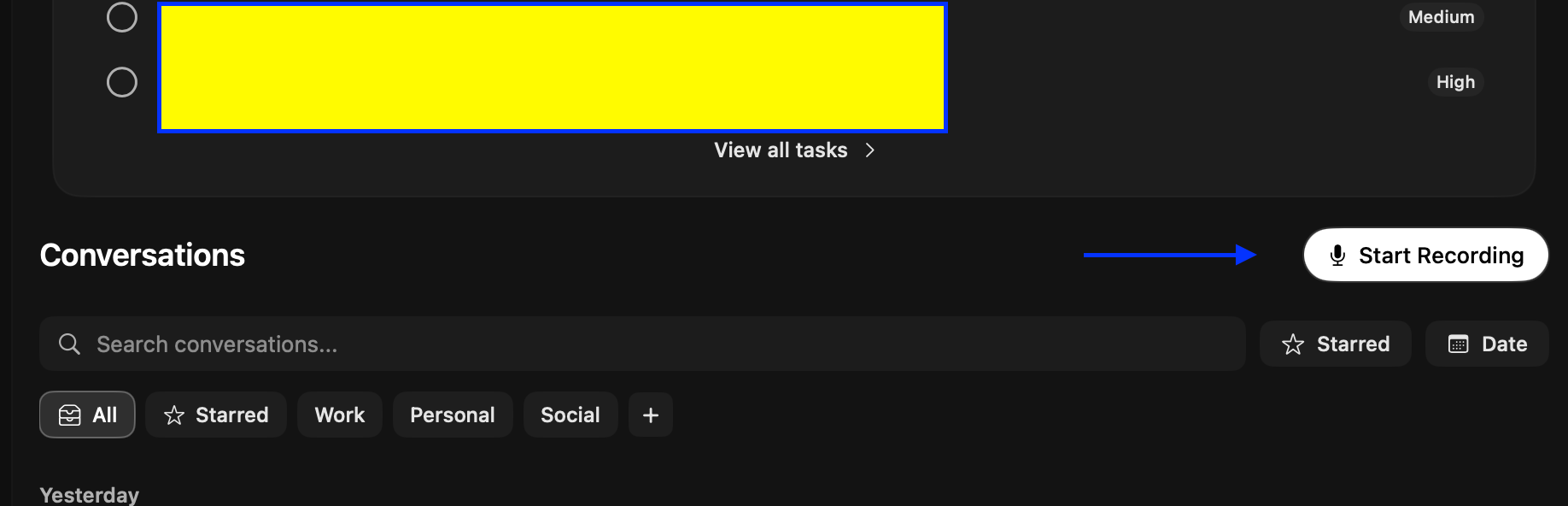
With the latest update to the beta (macOS desktop) this button now disappears when you click it to start recording (if you dont have always record enabled) - It used to be that you could stop/start recordings from the UI via the dedicated button that would appear in the top of the UI. It also showed that waveform to show it was actively hearing you/zoom call audio. Can we get this back?
I was in a call last night, thought I had clicked "start recording" only to realise I hadd’t. Then in a following call, I clicked record, but because it removes the CTA/element when active, I forgot to stop recording, left my laptop on and went to bed, meaning it recorded all night lol.
Log in to comment and vote
Comments2
L1 Support Team - Omi AI
Feb 19
Thanks for reporting this issue. I’ve forwarded it to the team so they can dig in.
Ruark Ferreira
Feb 18
Example of it recording when I forgot it was running lol