Changelog

Follow new updates and improvements to Omi.

3-Day Battery, Voice Replies, Desktop Task Execution & More
๐Ÿš€ New Features

3-Day Battery Life (firmware v3.0.18)
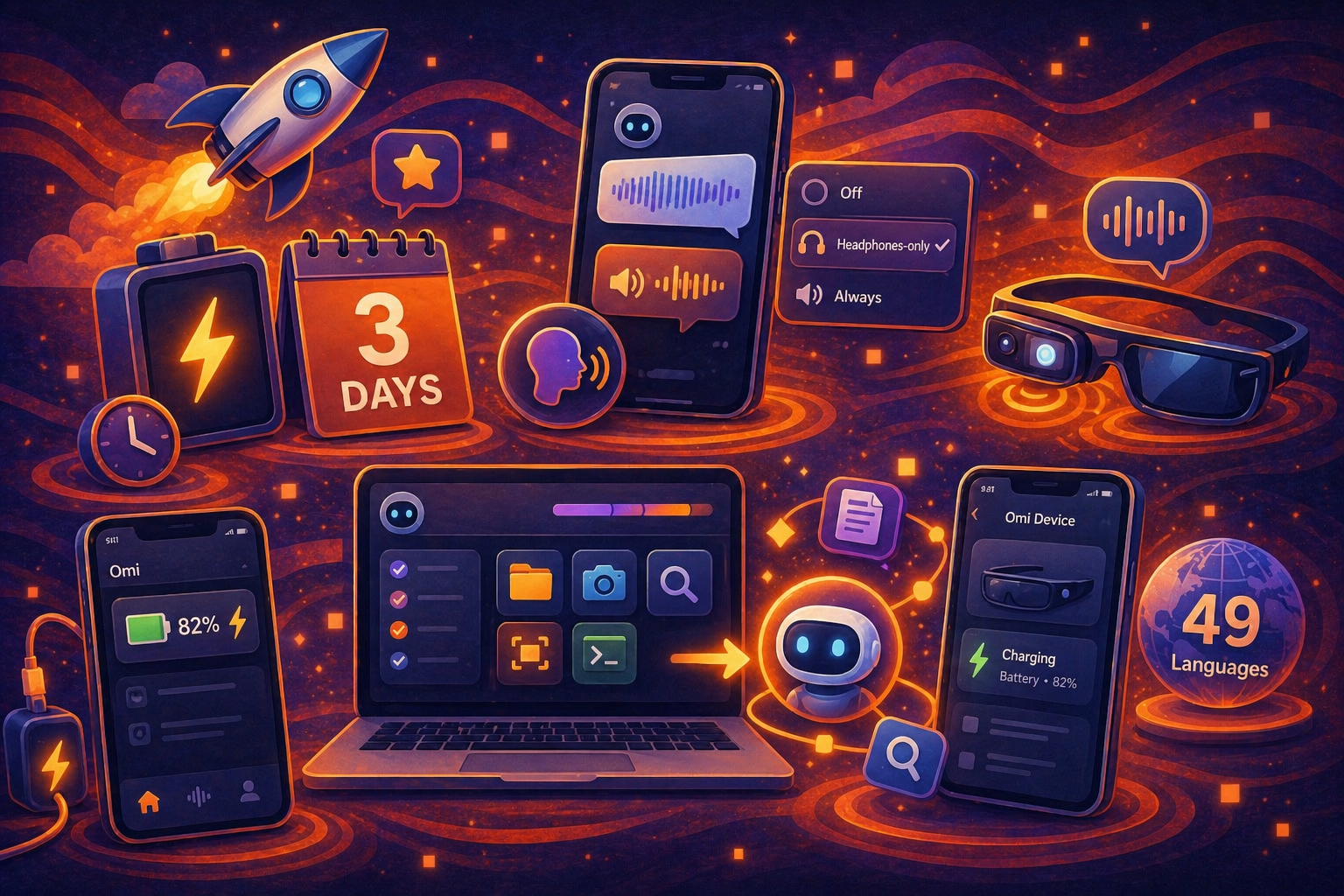
Omi devices now last up to 3 days on a single charge with the latest firmware. Update from device settings to opt in. A confirmation dialog walks you through what's changing before the flash starts.

Voice Replies on Mobile
Omi can now speak its responses back to you. Toggle Speak Omi's response aloud in Profile โ†’ Settings, with three modes: Off, Headphones-only (default), or Always. Voice replies also fire automatically when you press-to-talk on the device button โ€” ask a question, get a spoken answer streamed back chunk-by-chunk.

Desktop: Omi Now Executes Tasks
Omi desktop can now take action on your behalf โ€” running Omi tools end-to-end (file ops, captures, semantic search, screen capture, and more) inside the new agent runtime. (See video.)

Charging Status in App
The home screen battery indicator now shows a charging bolt when the device is plugged in, and the device detail page displays a dedicated Charging label and icon โ€” translated across all 49 supported languages.

โœจ Other Improvements

  • Desktop floating bar: entire notification surface is now tappable, not just the icon
  • Desktop floating bar: transcription quality substantially improved
  • Desktop floating bar: new voice picker in settings + right-click Disable for 2 hours snooze
  • Desktop beta now points to the dev backend so we can ship faster โ€” expect occasional instability; please report anything broken
  • Bring Your Own Keys (BYOK): Deepgram live + pre-recorded transcription, plus chat batch transcribe, now route through your own key when set, and bypass the freemium cap
  • Phone calls: free-tier remaining-calls banner, +1 dialing now correctly maps to both US and Canada, and per-tier monthly quota tracking
  • Action items: semantic search across all action items, vectorized at write-time and during conversation processing
  • Battery history chart added to device diagnostics with day/week views, persisted locally on iOS and Android
  • Onboarding: Bring Your Own Keys step now appears before Tasks; Skip on the speech-profile step works deterministically
  • Desktop: Omi AI rebrand for the built-in assistant (previously pi-mono), with refreshed attribution
  • Desktop: Claude 4.6 across all chat completion routes
  • Desktop: capture-screen tool added to the Omi tools relay (now 14 tools)
  • Daily reflection auto-notifications removed from the notification service
  • 15+ new locale strings for charging, voice-response, phone-call, and consent โ€” full coverage across all 49 supported languages

๐Ÿž Bug & Performance Fixes

  • Mobile: disabled the noisy 30-second device-disconnect notification (and the notify-on-kill registration) โ€” disconnects no longer pile up in your notification tray
  • Mobile: fix navigator pop crash on device disconnect
  • Mobile: reset audio session on TTS playback failure to allow retry; activate session before first chunk
  • Backend: dedicated TTS httpx client with keep-alive disabled (fixes connection-reuse hangs)
  • Backend: action-items prompt restored to pre-Dec 28 quality bar after a regression
  • Backend: daily recap no longer pulls action items from unrelated conversations
  • Desktop: floating bar provider-switch race condition fixed (no more double bridges or stuck states)
  • Desktop: chat completions request body limit raised to 16 MB (fixes large-screenshot failures)
  • Desktop: prevent double tool execution in pi-mono mode
  • Desktop: macOS system banner suppressed for proactive notifications (was duplicating the floating bar)
  • Desktop: run.sh consolidated and made resilient to paths with spaces
  • Backend: post-call cleanup and quota gating for phone calls

๐Ÿ‘ฅ Team

  • New maintainer onboarded focused on stability and crash reduction. We're actively looking for more โ€” if you want to help on the firmware, mobile, or desktop side, reply here or DM the team.

๐Ÿ“Œ Heads-Up

  • Desktop beta is now pointed at the dev backend. Expect occasional instability and please file anything you hit
  • Firmware v3.0.18 requires acknowledging the warning dialog before flashing โ€” don't unplug during update
ImprovedFixed

Phone Calls, Bluetooth Overhaul, Offline Sync & More

๐Ÿš€ New Features

Phone Calls Through Omi

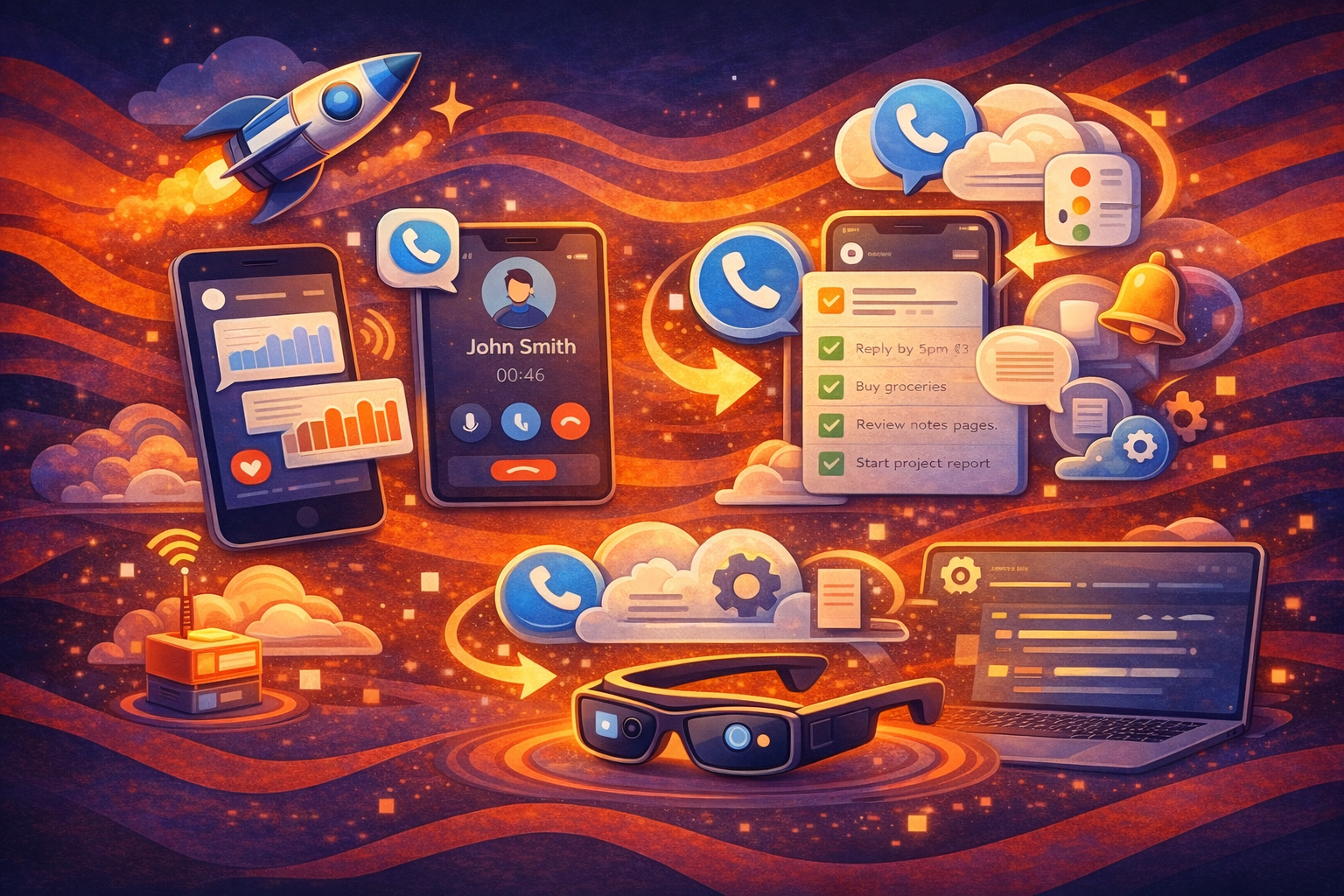
Unlimited subscribers can now make phone calls directly through Omi. Your calls are transcribed in real time and automatically summarized when the call ends. (Call Recording)

Apple Reminders Sync

Omi action items now sync with Apple Reminders in both directions. Create, complete, or delete an item in either app and it updates in the other. Syncing happens automatically in the background.

Auto Sync for Offline Recordings

With firmware 3.0.17, Omi automatically syncs offline recordings in the background while you use your device normally. No manual steps needed. This feature is currently in beta and will continue to improve.


โœจ Other Improvements

  • More reliable Bluetooth pairing, reconnecting, and recovery from toggles

  • Better speaker recognition, especially with a speech profile set up

  • Faster and more reliable audio syncing for longer offline sessions

  • Permissions Manager in Settings to review and manage all app permissions

  • Expanded language support with 15 new languages for transcription

  • Smarter web search powered by Claude, replacing Perplexity

  • Location-aware chat responses for more relevant answers

  • Chat message ratings and shareable chat links

  • Longer voice messages โ€” now supports up to ~5 minutes

  • Option to roll back to a stable firmware version from device settings

  • Desktop: chat embedded in dashboard, conversations on its own page

  • Desktop: smarter floating bar with voice responses and persistent notification chats

  • Desktop: import and export connectors for bringing in context from other apps

  • Desktop: focus sessions, daily scores, and proactive insights

  • Desktop: smoother onboarding and refined sidebar controls


๐Ÿž Bug & Performance Fixes

  • Lower phone background battery consumption

  • Fixed voice transcription failing on short audio from Bluetooth mics

  • Fixed screen recording permission getting reset unexpectedly (desktop)

  • Fixed system audio crackling on macOS

  • Fixed Rewind tracking the wrong window when switching apps

  • Numerous stability fixes to reduce crashes and improve overall performance


๐Ÿ“š Documentation Updates

  • Complete documentation overhaul: rewritten pages for backend setup, app setup, integrations, SDK, notifications, and OAuth

  • New OpenAPI-powered API Reference with interactive Mintlify tabs navigation

  • Added CV1 open-source hardware documentation (schematics, assembly, electronics)

  • New OmiGlass section with firmware flashing and monitoring guides

  • Restructured sidebar with new Developer API and MCP Integration groups

  • Added llms.txt and updated navbar with Support and Buy Now links

  • Updated STT and transcription docs to reflect Nova-3-only architecture

  • New speaker identification and listen/pusher pipeline documentation

ImprovedFixed

Power Button Controls, Omi Glass Audio + OTA, Apple Health, New Apps & More

๐Ÿš€ New Features

Power Button Controls

Updated button behavior: single press to start asking a question, single press again to end (max 15s), and press & hold for 3s to power off.

Omi Glass Updates

Omi Glass now supports audio + video capture in the same conversation, and over-the-air firmware updates so improvements can be shipped without manual flashing.

Apple Health Integration

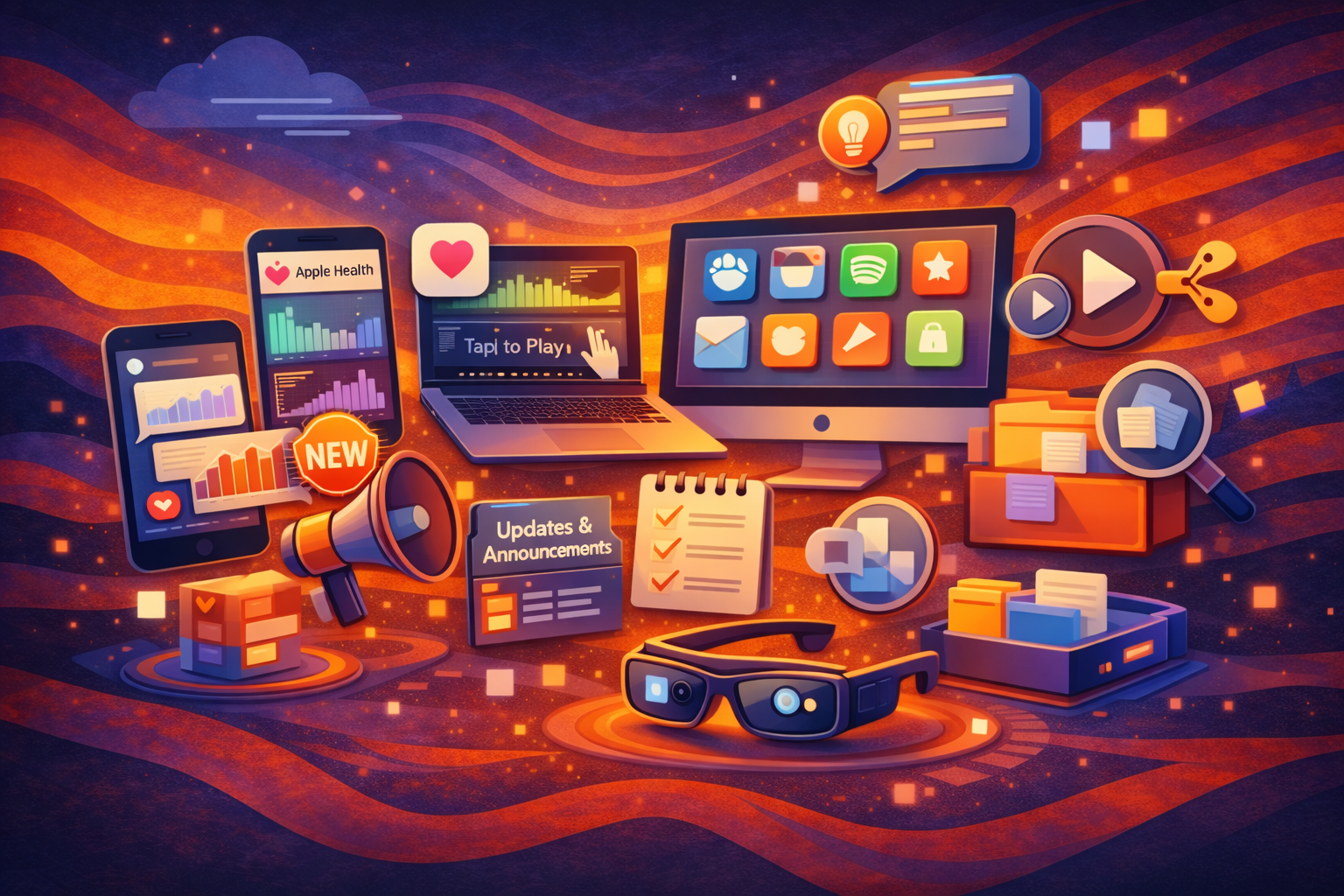
Omi can now read and sync Apple Health data (active energy + sleep) with a clear daily breakdown. You can also chat with AI about your health data.

(Settings > Integrations > Apple Health)

Inline Charts in Chat

Charts and visualizations now render directly inside conversations without leaving chat. Just ask Omi to create a chart about any data.

Share Audio from Conversations

You can now share the audio from a conversation when you need to send full context to someone.

(Conversation > Share)

New Integrations & Apps

New marketplace apps and integrations added, including Slack, Notion, Microsoft OneNote, Dropbox, Hive, ClickUp, Shopify, GitHub, Linear, Whoop, and Spotify.


โœจ Other Improvements

  • Announcements: New in-app space for product updates and news.

  • Jump-to-audio from transcript: Tap any transcript segment to jump to that exact moment in the audio.

  • Real-time AI mentor notifications: Live mentor-style insights while things are happening.

  • Desktop (macOS) improvements: Speaker editing, focus mode, calendar search, desktop chat apps, drag-and-drop files, improved copy actions, and persistent task sorting.


๐Ÿž Bug & performance fixes

  • Reduced phone background battery usage

  • Better transcription language handling

  • Fixed window screenshot aspect ratio (desktop)

  • More consistent localization

  • WiFi sync reliability improvements


๐Ÿ“š Documentation Updates

  • Omi Glass Documentation Updates: Updated setup, usage, OTA update flow, and troubleshooting for Omi Glass.

  • New Flashing & Firmware Guides: Added a new flashing guide with clearer steps, recovery instructions, and separation between manual flashing and OTA workflows.

  • Custom MCP Documentation: Added documentation for building and using custom MCP integrations, including examples for extending Omi with custom tools, automations, and workflows.

ImprovedFixed

Earlier updates